waydroid logo

A container-based approach to boot a full Android system on regular GNU/Linux systems running Wayland based desktop environments.

shape shape
Features

Main Features of Waydroid

Waydroid uses Linux namespaces (user, pid, uts, net, mount, ipc) to run a full Android system in a container and provide Android applications on any GNU/Linux-based platform (arm, arm64, x86, x86_64). The Android system inside the container has direct access to needed hardware through LXC and the binder interface.

Free and Open-Source

The Project is completely free and open-source, currently our repo is hosted on Github.

Full app integration

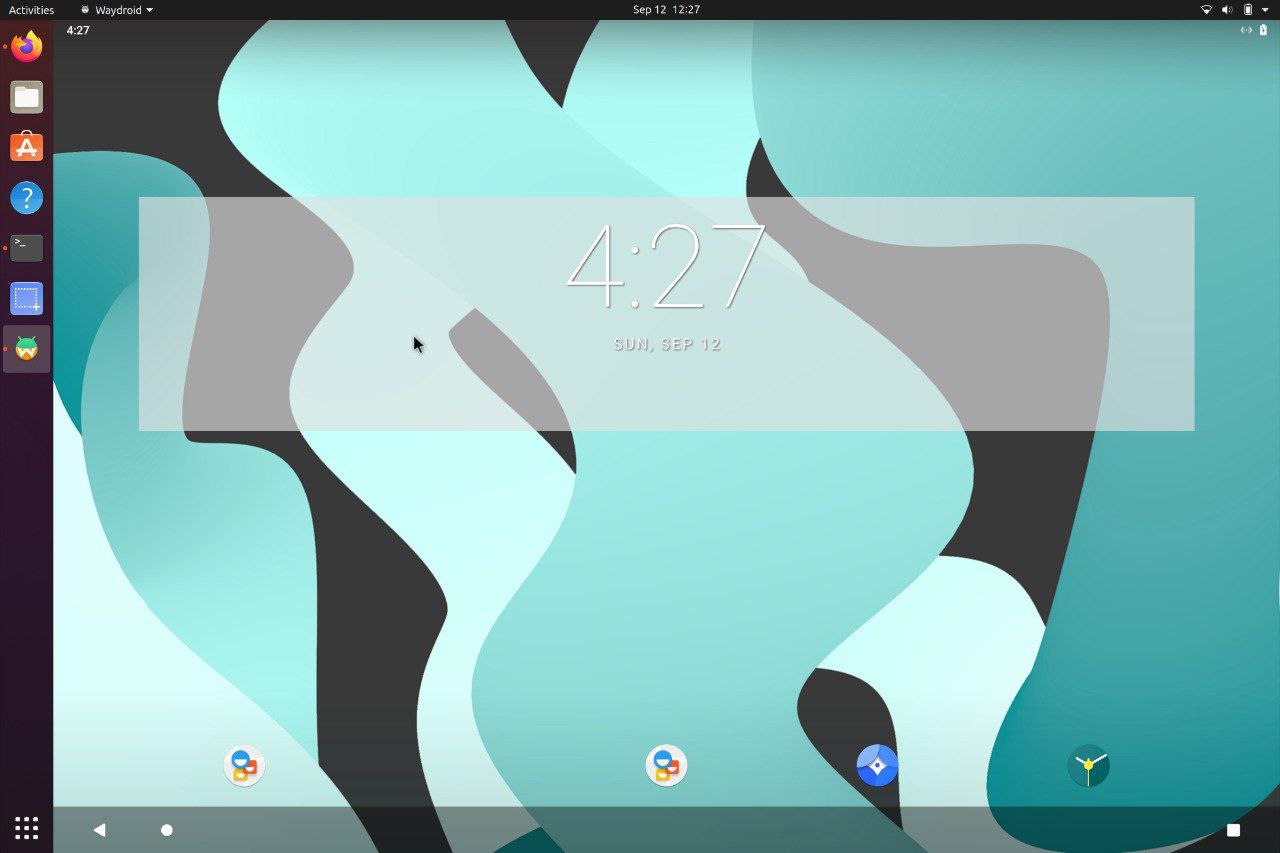
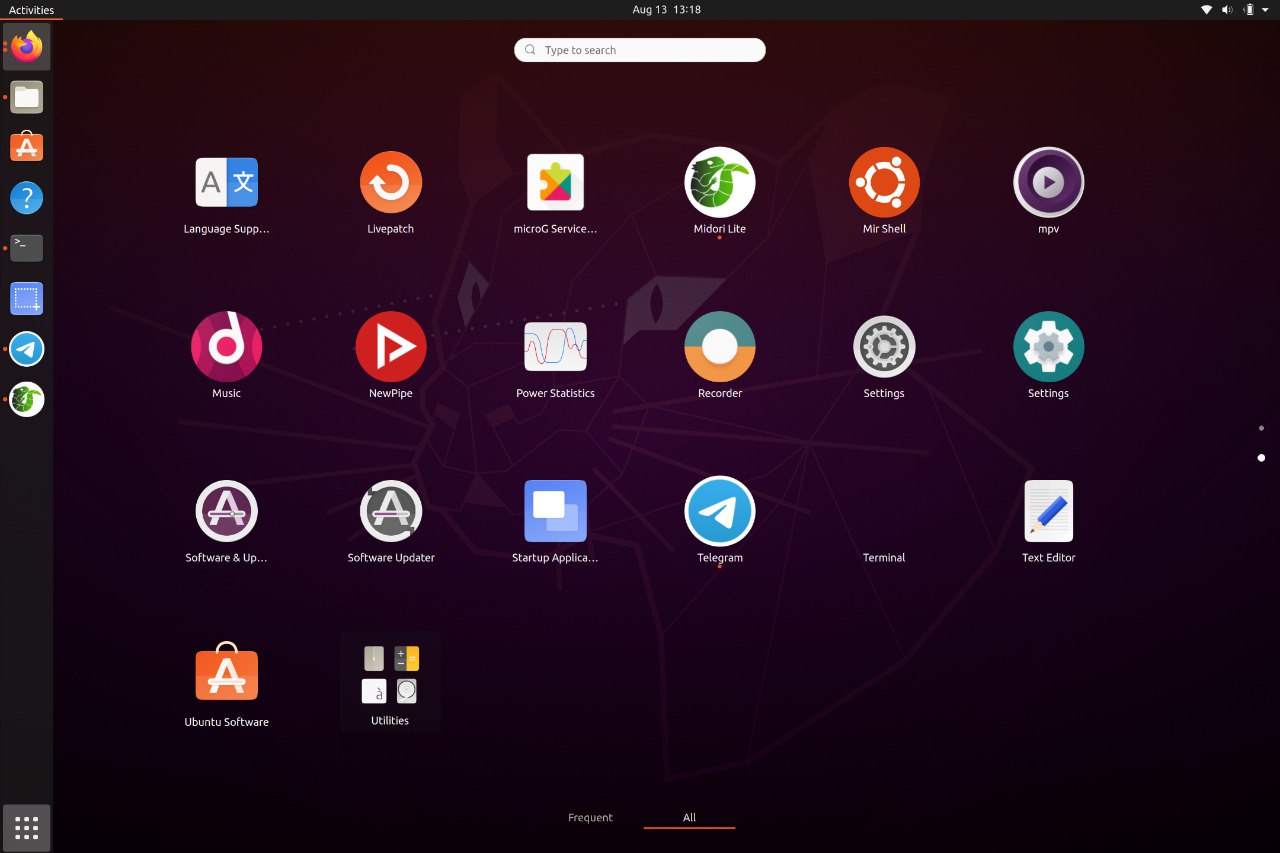
Waydroid integrated with Linux adding the Android apps to your linux applications folder.

Multi-window mode

Waydroid expands on Android freeform window definition, adding a number of features.

Full UI Mode

For gaming and full screen entertainment, Waydroid can also be run to show the full Android UI.

Near native performance

Get the best performance possible using wayland and AOSP mesa, taking things to the next level

Active community

Find out what all the buzz is about and explore all the possibilities Waydroid could bring

About Us

Get your favourite Android Apps on Linux.

Waydroid brings all the apps you love, right to your desktop, working side by side your Linux applications.
The Android inside the container has direct access to needed hardwares.
The Android runtime environment ships with a minimal customized Android system image based on LineageOS. The used image is currently based on Android 13

Install Instructions
about-image
Docs

Our Documentation

Our documentation site can be found at docs.waydro.id

Bugs & Reports

Bug Reports can be filed on our repo Github Repo

Project Development

Our development repositories are hosted on Github

How to Install ?

Please refer to our installation docs for complete installation guide.

Manual Image Download

You can also manually download our images from

sourceforge logo SourceForge
shape
Instructions

Quick install reference

For systemd distributions

Waydroid supports most common architectures (ARM, ARM64, x86 & x86_64 CPUs)

Waydroid uses Android's mesa integration for passthrough, and that enables support to most ARM/ARM64 SOCs on the mobile side, and Intel/AMD GPUs for the PC side. For Nvidia GPUs (except tegra) and VMs, we recommend using software-rendering

Follow the install instructions for your linux distribution. You can find a list in our docs.

After installing you should start the waydroid-container service, if it was not started automatically:

sudo systemctl enable --now waydroid-container

Then launch Waydroid from the applications menu and follow the first-launch wizard.

If prompted, use the following links for System OTA and Vendor OTA:

https://ota.waydro.id/system

https://ota.waydro.id/vendor

For further instructions, please visit the docs site here

Mount And Blade Warband | Android Full !full!

Mount and Blade: Warband on Android represents a significant achievement in mobile gaming, bringing a complex and engaging strategy/action RPG to a platform not typically associated with such depth. The game's full release on Android ensures that players have access to the complete experience, replete with all the challenges and adventures that have made Mount and Blade a beloved franchise.

Mount and Blade: Warband on Android stands as a testament to the evolving landscape of mobile gaming, where complex, engaging, and visually stunning experiences are no longer confined to PC or console platforms. It's a bold step forward for the gaming community, and TaleWorlds Entertainment leads the charge with this ambitious title. mount and blade warband android full

Whether you're a seasoned veteran of the series or a newcomer looking for a deep and engaging mobile gaming experience, Mount and Blade: Warband on Android has something to offer. With its addictive gameplay, rich narrative, and robust features, it's a must-play for fans of the genre. Mount and Blade: Warband on Android represents a

Mount and Blade: Warband is set in the medieval era, where players are transported to a fictional world filled with various factions, each with its own culture, strengths, and weaknesses. The game is renowned for its open-world design, allowing players to explore, conquer, and interact with the game's vast environment freely. The core gameplay revolves around creating and leading your character through battles, sieges, and diplomacy, with the ultimate goal of becoming a legendary leader. It's a bold step forward for the gaming

For optimal enjoyment, a device with a larger screen and decent processing power is recommended. Additionally, investing time into getting accustomed to the controls will greatly enhance the player's ability to enjoy the game's extensive features.

The world of mobile gaming has witnessed a significant surge in the popularity of strategy and action games over the past few years. One title that has managed to stand the test of time and has been eagerly anticipated on the Android platform is Mount and Blade: Warband. Developed by TaleWorlds Entertainment, Mount and Blade: Warband is an action role-playing game that initially hit the PC market in 2010 and later made its way to consoles. Its arrival on Android has been met with considerable excitement, and in this write-up, we'll delve into the full experience of the game on this platform.

Our Team

Meet The Team

Here are the members of our team

team
shape shape
Erfan Abdi
@erfanoabdi
Lead Developer
team
shape shape
Alessandro Astone
@aleasto
Developer
team
shape shape
Jon West
@electrikjesus
Developer
team
shape shape
Radek Błędowski
@RKBDI
Designer